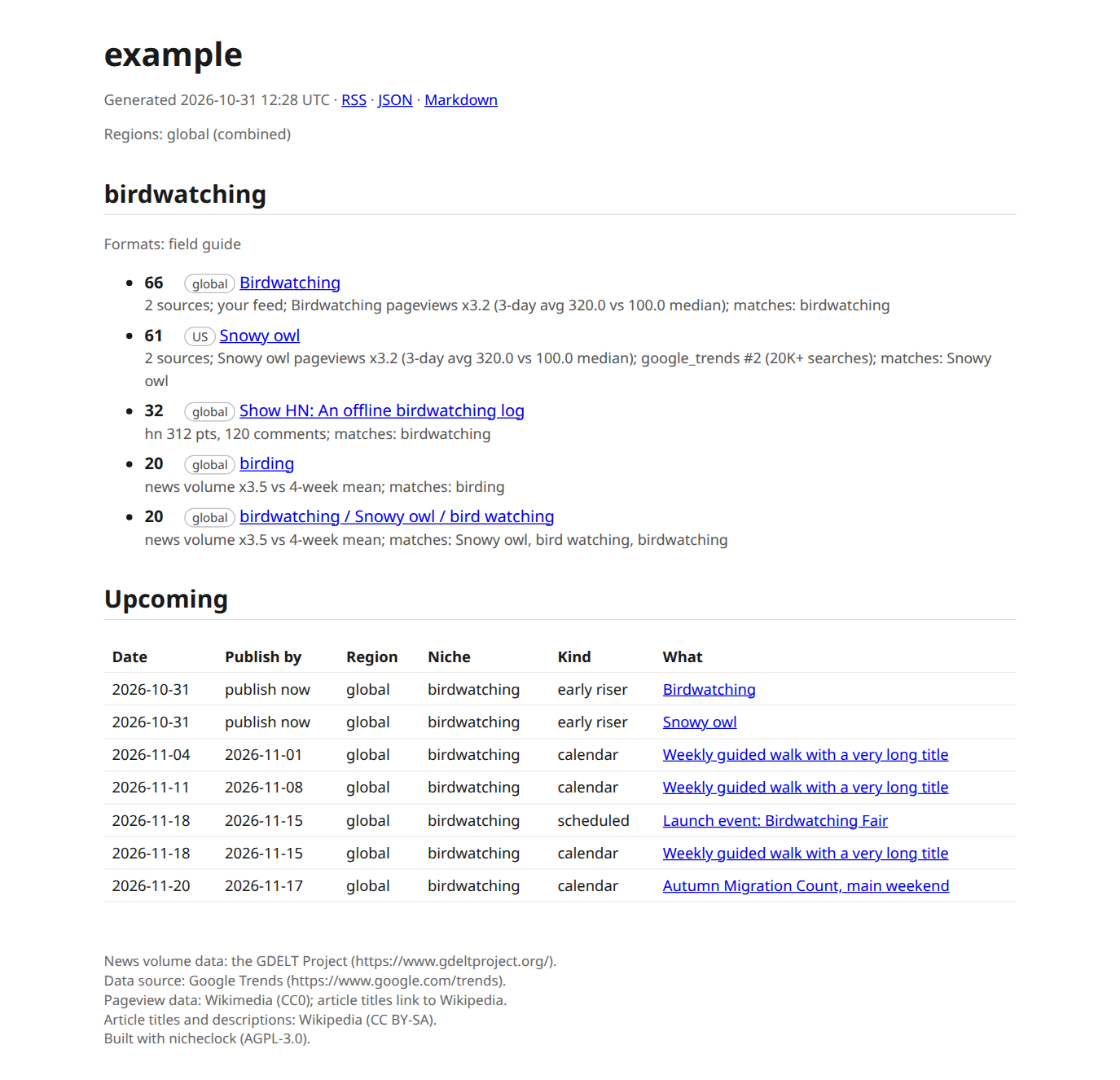
Quickstart
nicheclock shows SEOs who work with AI which topics are starting to rise and when to publish, from signals that often move before keyword volume does. It complements keyword research and does not replace it. This quickstart takes about five minutes, most of it waiting for init to read your site at one request per second.
1. Install
You need Python 3.11 or newer. nicheclock is not on PyPI yet, so install from a source checkout:
pipx install '.[gsc,mcp]'
# or: uv tool install '.[gsc,mcp]'
nicheclock --version
The extras are optional: gsc for Search Console, mcp for the MCP server, onboard for scikit-learn (gives identical init results, only faster counting). Without any extra, pipx install . still gives you init, run, serve and the reports.
Status. pipx install nicheclock works once the package is published at launch. Until then use the checkout.
2. Say who you are
nicheclock refuses to fetch anything without an identity. Every request to every source carries your User-Agent and contact address, so a site owner who sees your traffic can write to you.
nicheclock init https://your-site.example \
  --user-agent "mysite-radar/1.0 (+mailto:you@your-site.example)" \
  --contact-email you@your-site.example
init reads your sitemap, samples up to 50 page titles, and writes nicheclock.yaml with one to four niches. It takes about half a minute for a small site. Add --preview to see what each niche would match before it saves, --dry-run to print the config without writing it.
Set the same two values once with NICHECLOCK_USER_AGENT and NICHECLOCK_CONTACT_EMAIL and you can leave the flags out.
Why not
https://example.com? example.com has a single page and no sitemap, soinitstops withno URLs found, skippingand writes nothing. That is the correct answer, and the CI job that tests this page checks for it. To try nicheclock without a site of your own, use the demo site below.